Rug diagramming
Turn the flow
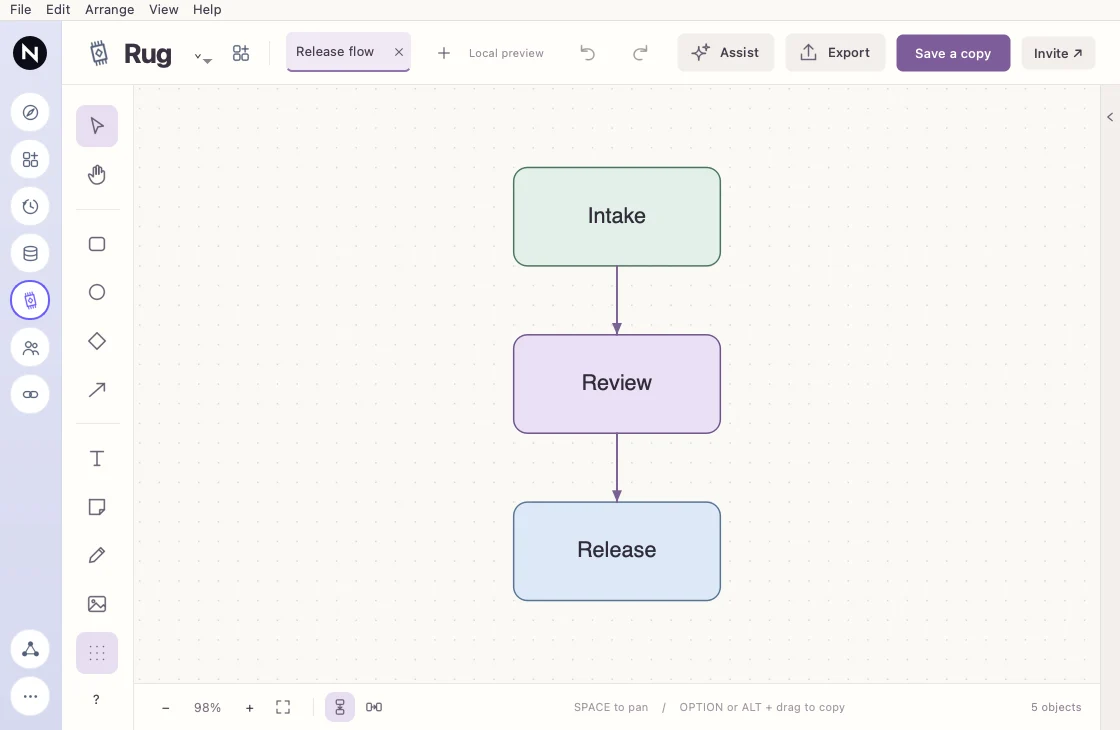
Switch a diagram between vertical and horizontal flow.
How it works
Switch the board's flow between vertical and horizontal to fit the way you want to read it. Review the resulting layout before exporting or sharing.
Example
- Start with
Tall diagram for a slide
- Try this
Switch to horizontal flow
- Result
Fit the slide layout