Canvas nodes
Text score
Score words, sentences, or speakers from a text column.
How it works
Choose a text field and an output for words, sentences, or speakers. For word analysis, options include grouping word forms, dropping common stop words, and keeping the top results.
Simple example
Select the Feedback text field and choose Words. Turn on stop-word removal to see useful terms with their counts and scores instead of filling the output with common words.
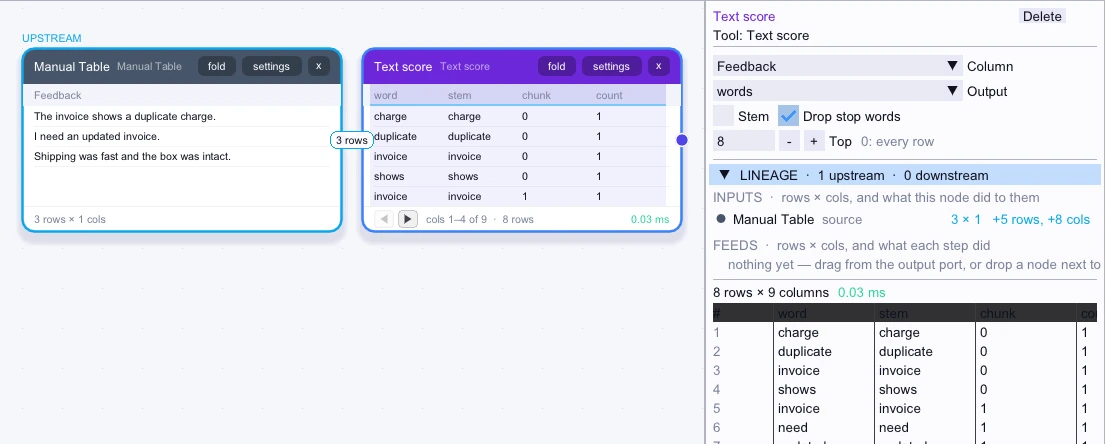
Input
3 rows| Feedback |
|---|
| The invoice shows a duplicate charge. |
| I need an updated invoice. |
| Shipping was fast and the box was intact. |
Node output
First 5 of 8 rows| word | stem | chunk | count | sentiment | speaker |
|---|---|---|---|---|---|
| charge | charge | 0 | 1 | 0 | — |
| duplicate | duplicate | 0 | 1 | 0 | — |
| invoice | invoice | 0 | 1 | 0 | — |
| shows | shows | 0 | 1 | 0 | — |
| invoice | invoice | 1 | 1 | 0 | — |
Complex workflow
Filter support notes to Billing, then use Words with stemming and stop-word removal. Review the resulting terms and scores to see which word forms recur in billing feedback.
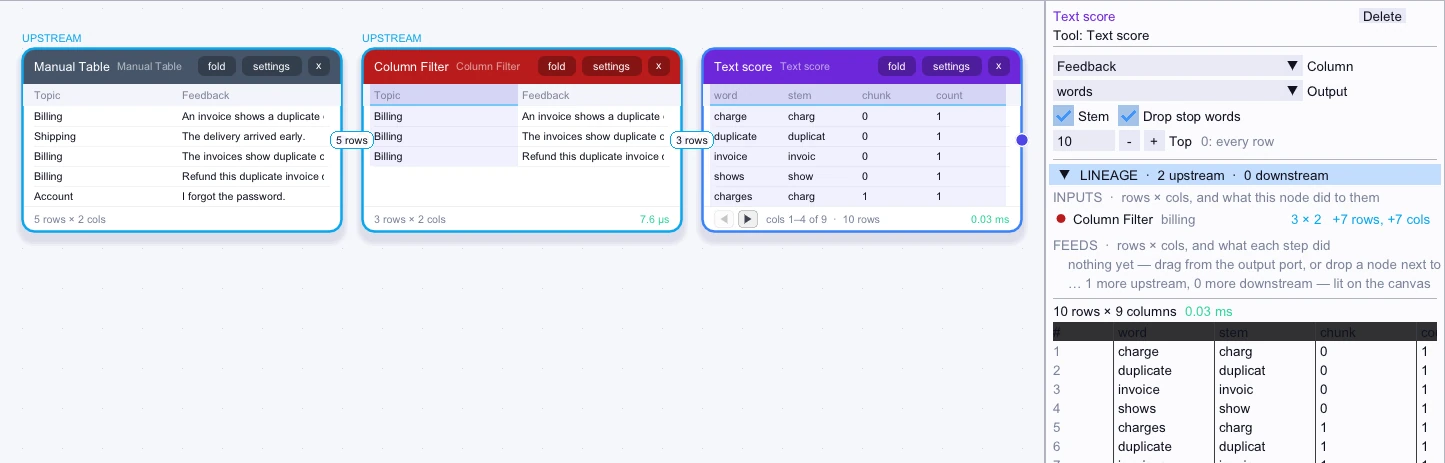
Input
3 rows| Topic | Feedback |
|---|---|
| Billing | An invoice shows a duplicate charge. |
| Billing | The invoices show duplicate charges. |
| Billing | Refund this duplicate invoice charge. |
Node output
First 5 of 10 rows| word | stem | chunk | count | sentiment | speaker |
|---|---|---|---|---|---|
| charge | charg | 0 | 1 | 0 | — |
| duplicate | duplicat | 0 | 1 | 0 | — |
| invoice | invoic | 0 | 1 | 0 | — |
| shows | show | 0 | 1 | 0 | — |
| charges | charg | 1 | 1 | 0 | — |