Canvas nodes
String Split
Split text into columns at a delimiter.
How it works
Choose the text column, the delimiter, and how many pieces to produce. The pieces appear in separate columns for later steps.
Simple example
Choose OrderCode, set the delimiter to a hyphen, and keep two pieces. A code such as WEB-184 becomes separate channel and order-number fields.
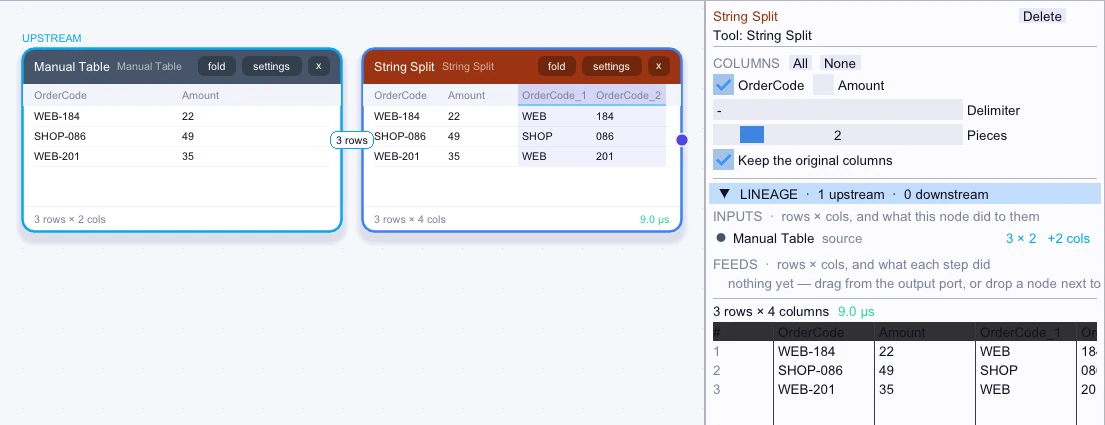
Input
3 rows| OrderCode | Amount |
|---|---|
| WEB-184 | 22 |
| SHOP-086 | 49 |
| WEB-201 | 35 |
Node output
3 rows| OrderCode | Amount | OrderCode_1 | OrderCode_2 |
|---|---|---|---|
| WEB-184 | 22 | WEB | 184 |
| SHOP-086 | 49 | SHOP | 086 |
| WEB-201 | 35 | WEB | 201 |
Complex workflow
Split a warehouse path such as EAST/AISLE-3/BIN-7 into three pieces while keeping the source path. Count rows by the first piece to compare warehouse totals and still retain the aisle and bin columns upstream.
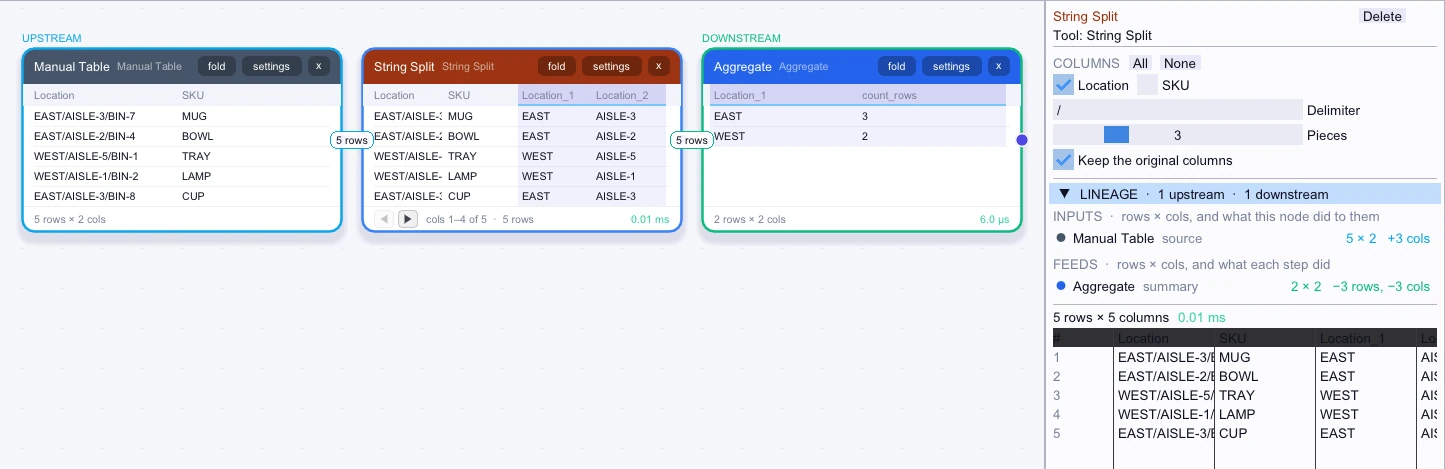
Input
5 rows| Location | SKU |
|---|---|
| EAST/AISLE-3/BIN-7 | MUG |
| EAST/AISLE-2/BIN-4 | BOWL |
| WEST/AISLE-5/BIN-1 | TRAY |
| WEST/AISLE-1/BIN-2 | LAMP |
| EAST/AISLE-3/BIN-8 | CUP |
Node output
5 rows| Location | SKU | Location_1 | Location_2 | Location_3 |
|---|---|---|---|---|
| EAST/AISLE-3/BIN-7 | MUG | EAST | AISLE-3 | BIN-7 |
| EAST/AISLE-2/BIN-4 | BOWL | EAST | AISLE-2 | BIN-4 |
| WEST/AISLE-5/BIN-1 | TRAY | WEST | AISLE-5 | BIN-1 |
| WEST/AISLE-1/BIN-2 | LAMP | WEST | AISLE-1 | BIN-2 |
| EAST/AISLE-3/BIN-8 | CUP | EAST | AISLE-3 | BIN-8 |
Workflow result
2 rows| Location_1 | count_rows |
|---|---|
| EAST | 3 |
| WEST | 2 |