Canvas nodes
Split Unit
Separate a measurement into its numeric value and unit.
How it works
Select a field with numbers and units stored together, then name the two output columns. Keep the original column if you still need to show the source value.
Simple example
Connect a table with a Weight field such as 12 kg. Split Unit produces a numeric WeightValue and a separate WeightUnit so the number and label can be used independently.
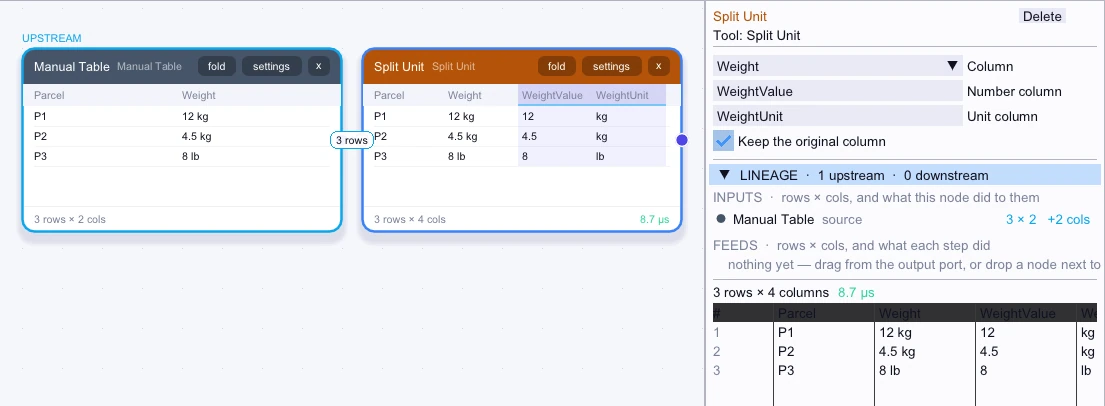
Input
3 rows| Parcel | Weight |
|---|---|
| P1 | 12 kg |
| P2 | 4.5 kg |
| P3 | 8 lb |
Node output
3 rows| Parcel | Weight | WeightValue | WeightUnit |
|---|---|---|---|
| P1 | 12 kg | 12 | kg |
| P2 | 4.5 kg | 4.5 | kg |
| P3 | 8 lb | 8 | lb |
Complex workflow
Split a mixed-unit shipment column into WeightValue and WeightUnit, then keep only the kg rows. Sum the values by Warehouse so the totals compare quantities expressed in the same unit.
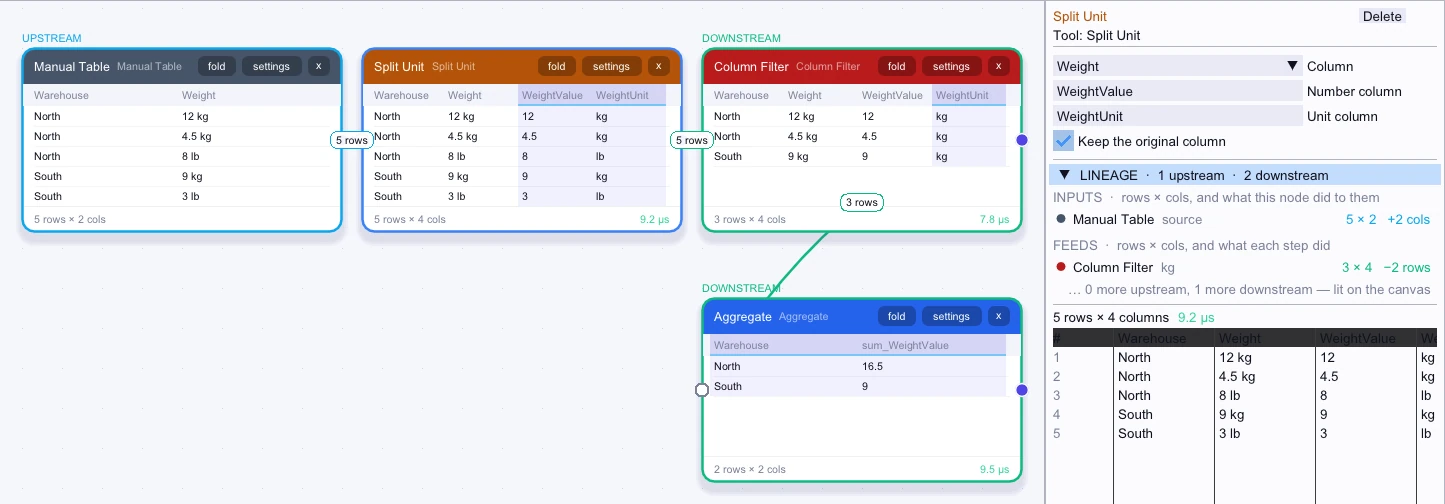
Input
5 rows| Warehouse | Weight |
|---|---|
| North | 12 kg |
| North | 4.5 kg |
| North | 8 lb |
| South | 9 kg |
| South | 3 lb |
Node output
5 rows| Warehouse | Weight | WeightValue | WeightUnit |
|---|---|---|---|
| North | 12 kg | 12 | kg |
| North | 4.5 kg | 4.5 | kg |
| North | 8 lb | 8 | lb |
| South | 9 kg | 9 | kg |
| South | 3 lb | 3 | lb |
Workflow result
2 rows| Warehouse | sum_WeightValue |
|---|---|
| North | 16.5 |
| South | 9 |