Canvas nodes
Sort
Order rows by one or more text, numeric, or date columns.
How it works
Add sort fields in priority order and choose text, numeric, or date handling for each. Set each field to ascending or descending.
Simple example
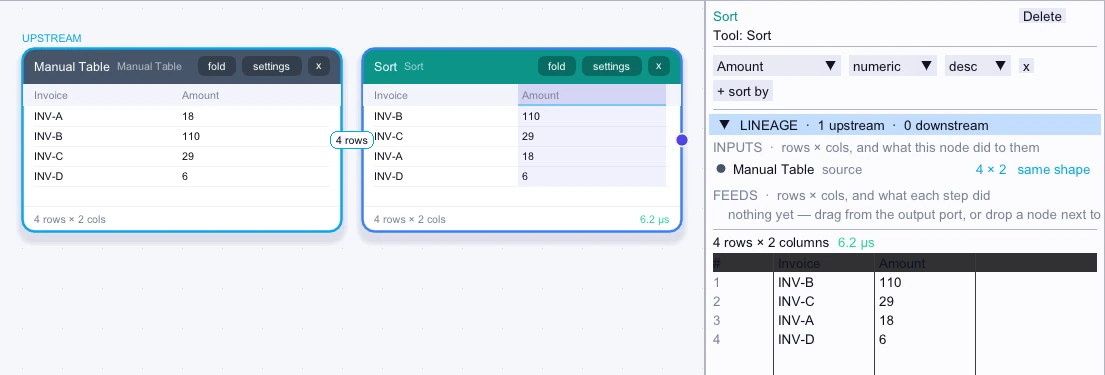
Set Amount to numeric and descending on an invoice table. The highest invoice totals appear first in the node output.
Input
4 rows| Invoice | Amount |
|---|---|
| INV-A | 18 |
| INV-B | 110 |
| INV-C | 29 |
| INV-D | 6 |
Node output
4 rows| Invoice | Amount |
|---|---|
| INV-B | 110 |
| INV-C | 29 |
| INV-A | 18 |
| INV-D | 6 |
Complex workflow
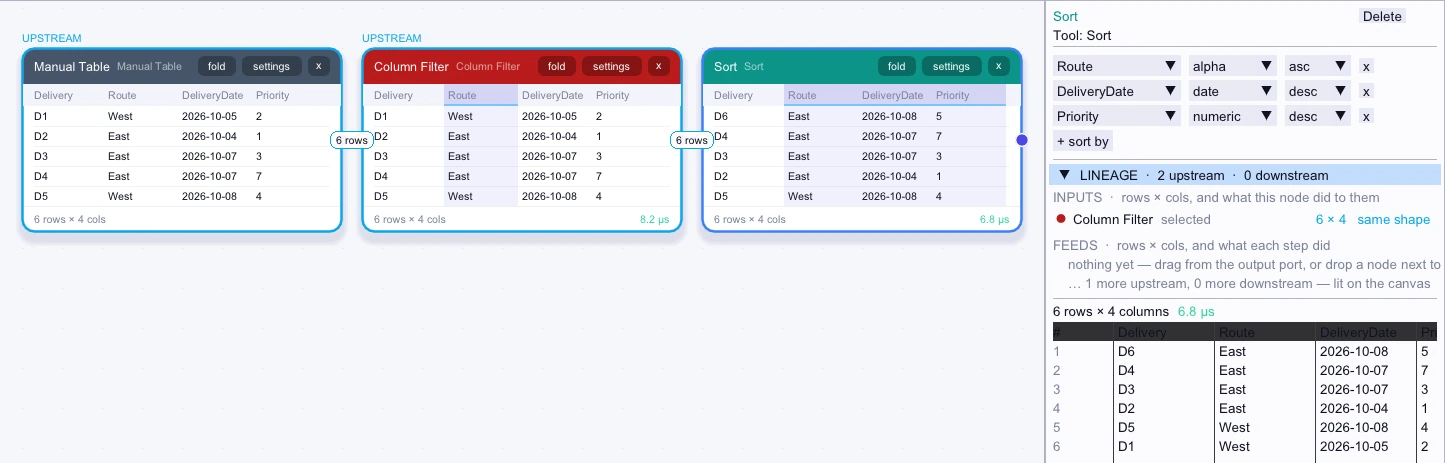
Sort a delivery log by Route as text, then by DeliveryDate as a date with newest first, then by Priority as a number with highest first. The output groups routes and applies the later criteria to ties.
Input
First 5 of 6 rows| Delivery | Route | DeliveryDate | Priority |
|---|---|---|---|
| D1 | West | 2026-10-05 | 2 |
| D2 | East | 2026-10-04 | 1 |
| D3 | East | 2026-10-07 | 3 |
| D4 | East | 2026-10-07 | 7 |
| D5 | West | 2026-10-08 | 4 |
Node output
First 5 of 6 rows| Delivery | Route | DeliveryDate | Priority |
|---|---|---|---|
| D6 | East | 2026-10-08 | 5 |
| D4 | East | 2026-10-07 | 7 |
| D3 | East | 2026-10-07 | 3 |
| D2 | East | 2026-10-04 | 1 |
| D5 | West | 2026-10-08 | 4 |
Related research
- Measuring filters, sorts, and grouped sums
See how the work included in each measurement changes the comparison.