Canvas nodes
Normalize
Clean up spaces, capitalization, and formatting in selected columns.
How it works
Select text columns and choose cleanup rules such as trimming, changing case, or removing currency marks and separators. The cleaned values flow to the next step.
Simple example
Choose the City column, turn on Trim ends, and select title case. Values with extra spaces and inconsistent capitalization become consistent city labels while keeping spaces inside names.
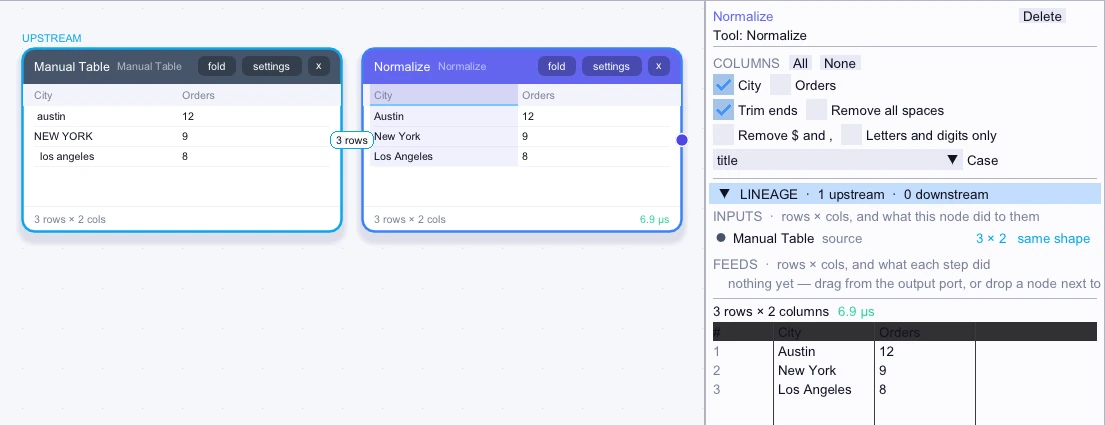
Input
3 rows| City | Orders |
|---|---|
| austin | 12 |
| NEW YORK | 9 |
| los angeles | 8 |
Node output
3 rows| City | Orders |
|---|---|
| Austin | 12 |
| New York | 9 |
| Los Angeles | 8 |
Complex workflow
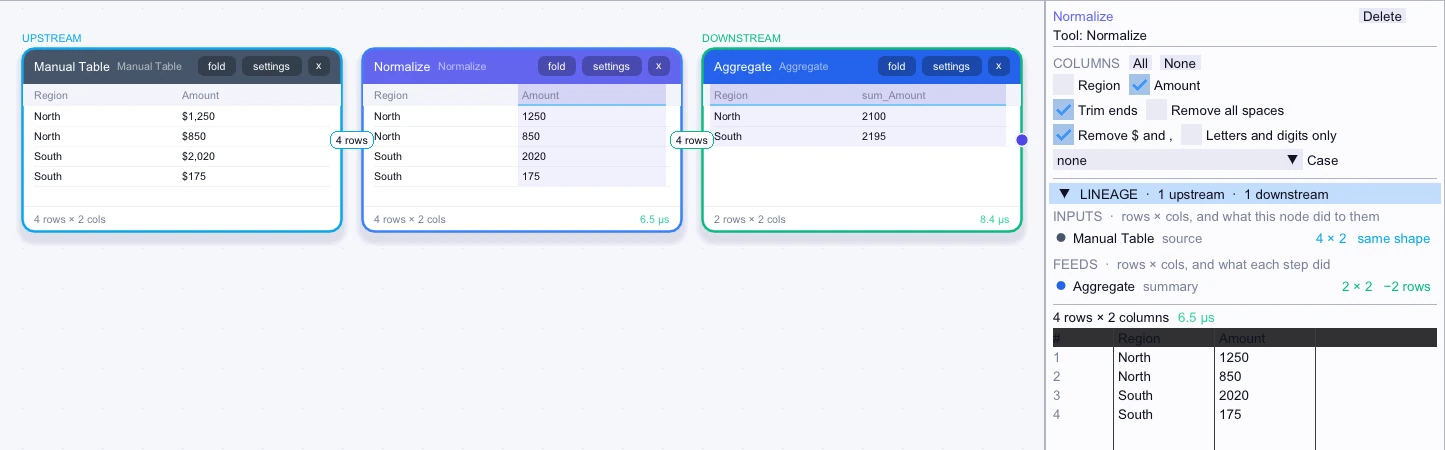
Clean dollar signs and commas out of Amount while keeping the other fields. Sum the cleaned amounts by Region so values such as $1,250 are counted as their full numeric amount.
Input
4 rows| Region | Amount |
|---|---|
| North | $1,250 |
| North | $850 |
| South | $2,020 |
| South | $175 |
Node output
4 rows| Region | Amount |
|---|---|
| North | 1250 |
| North | 850 |
| South | 2020 |
| South | 175 |
Workflow result
2 rows| Region | sum_Amount |
|---|---|
| North | 2100 |
| South | 2195 |