Write a CSV to a new local table with Neon Output
Save the service-run workflow in the default local SQLite app store. Start with its eight-row CSV Input on the canvas.
What to say
Write this CSV to a new local output table named service run export.
Recognized transcript: Write the CSV to a new local output table named Service Run Export.
What happens on the canvas
Casa adds the palette’s Neon Output, wires CSV Input to it and ships eight rows to a new named output in the local app store. The output includes the five CSV fields and generated row metadata. Asking again with the same name preserves the existing output.
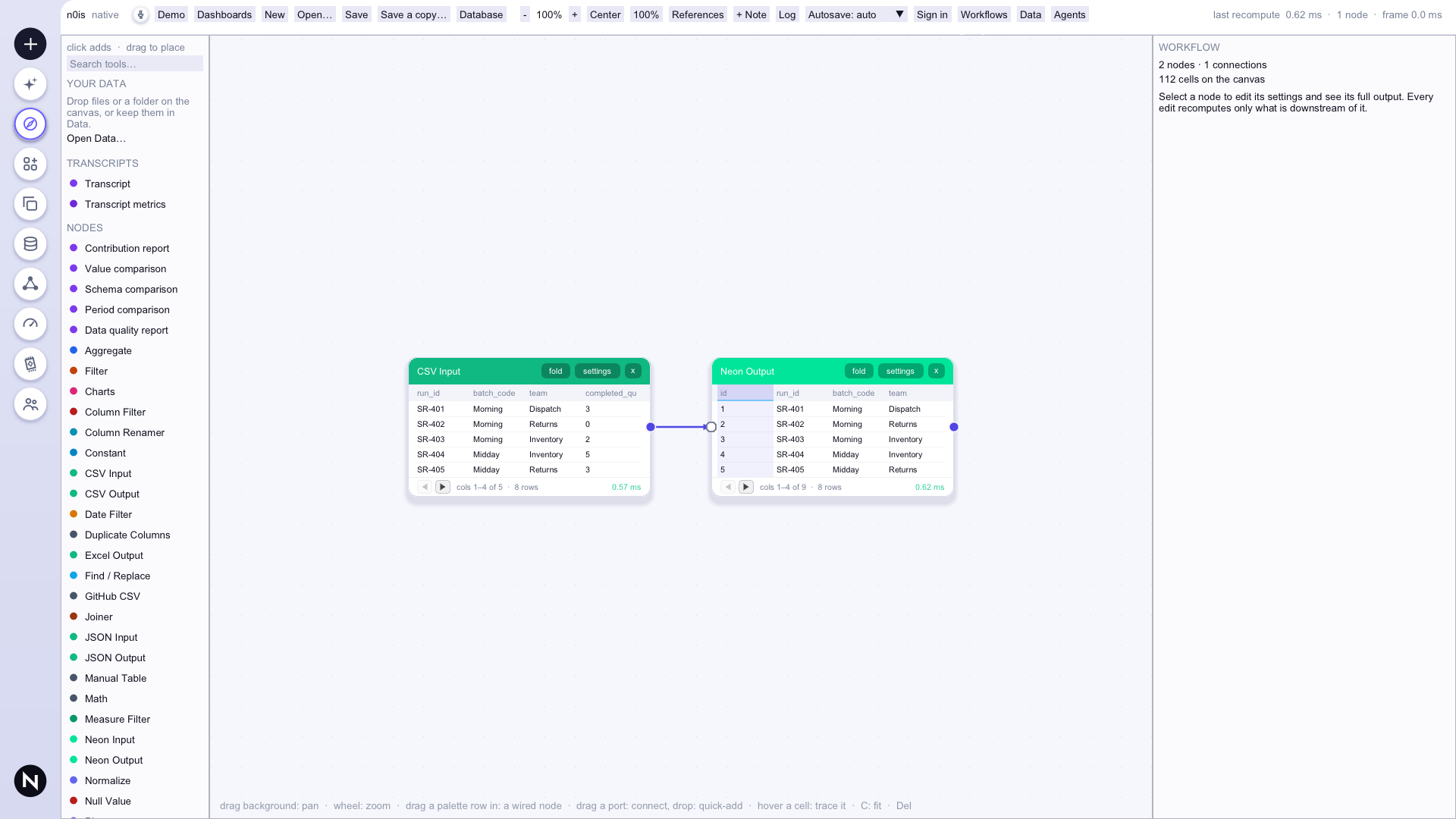
The named output is a dataset inside the app’s SQLite store. For managed PostgreSQL, select a verified DEV destination and target in Neon Output and confirm Ship to DEV.