Read the named local output with Neon Input
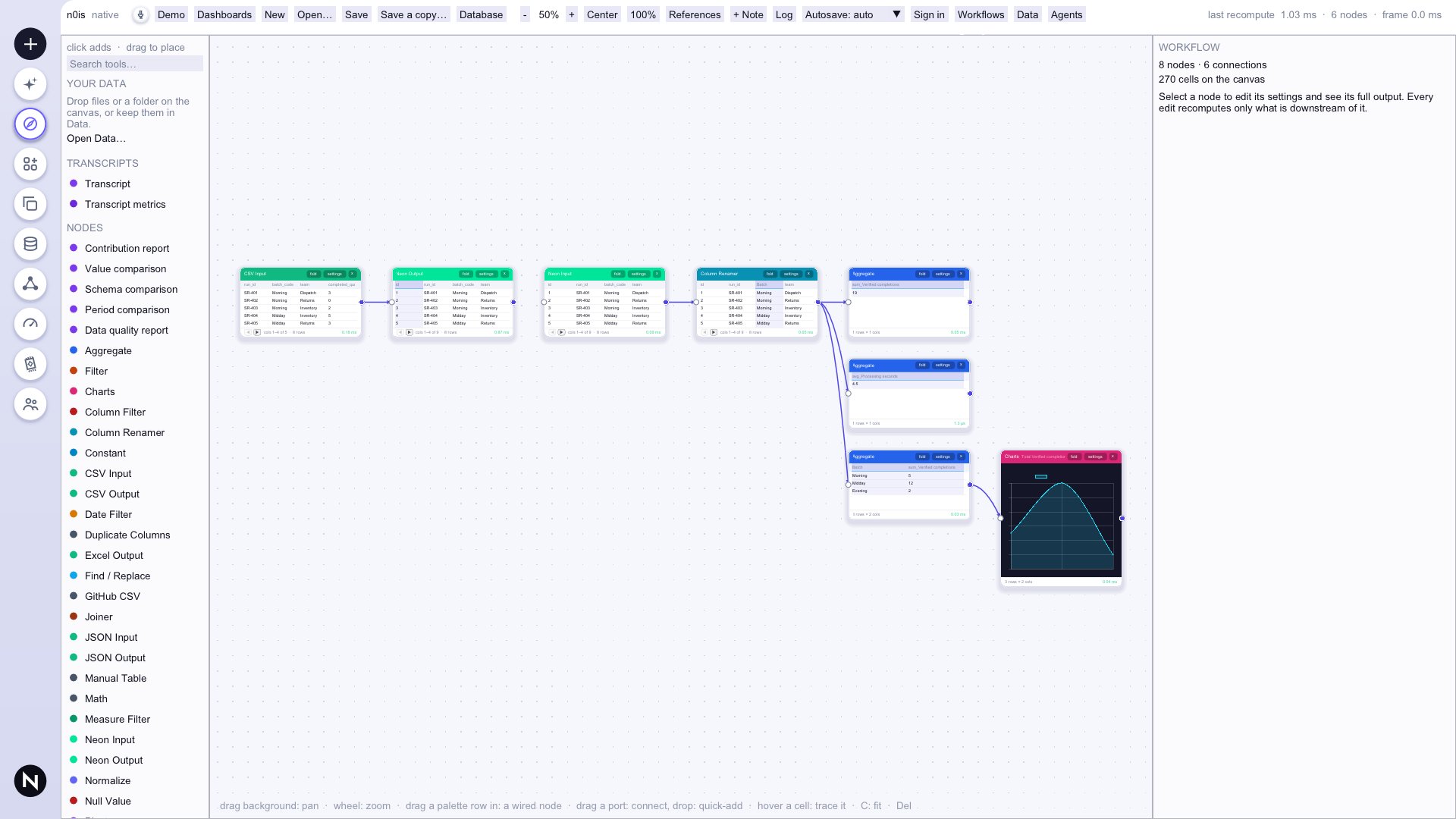
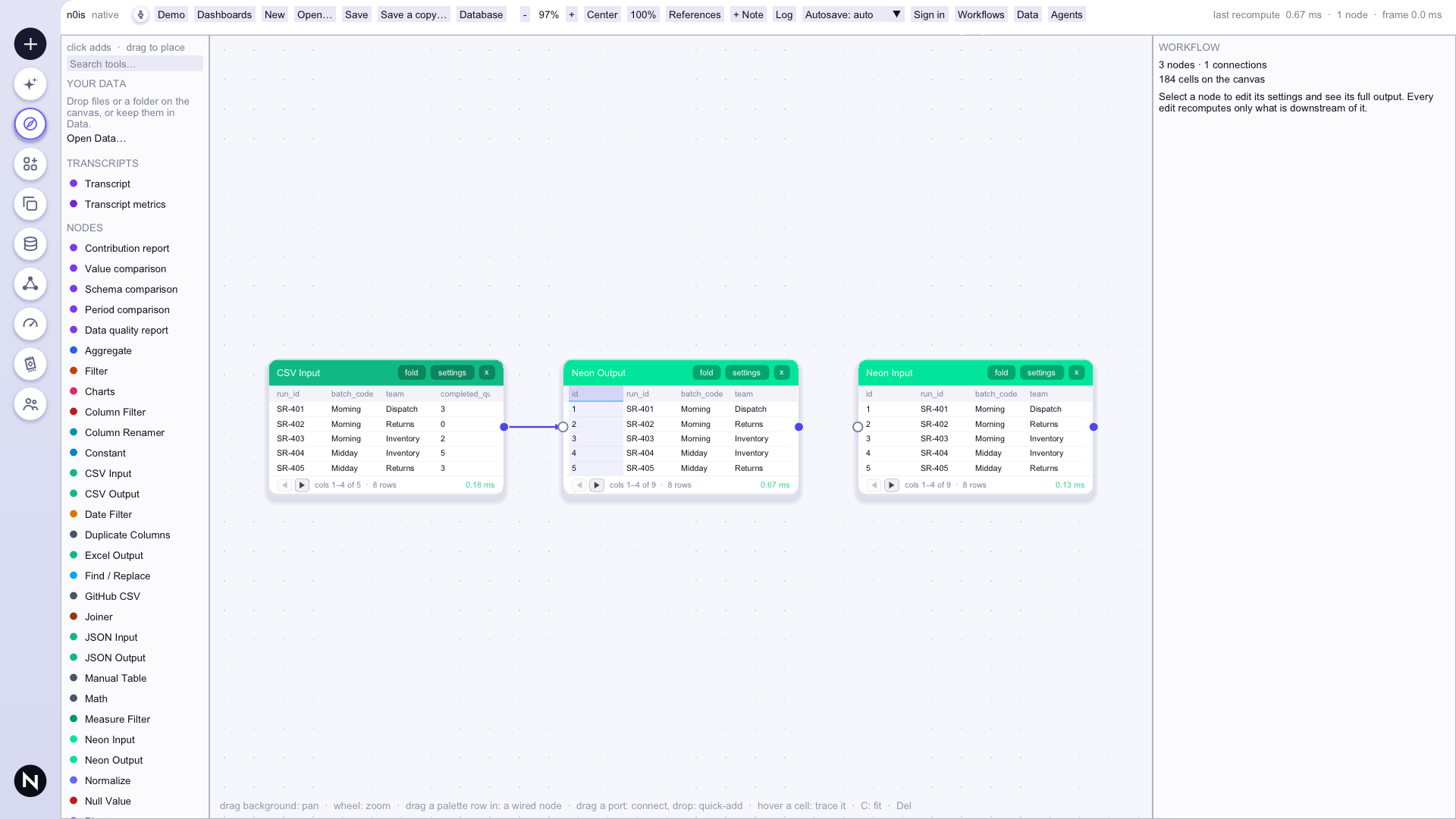
Start with the saved workflow and the Neon Output named service run export. The preceding spoken request wrote this output into the local SQLite app store.
What to say
Read back the local output table named service run export.
Recognized transcript: Read back the local output table named Service Run Export.
What happens on the canvas
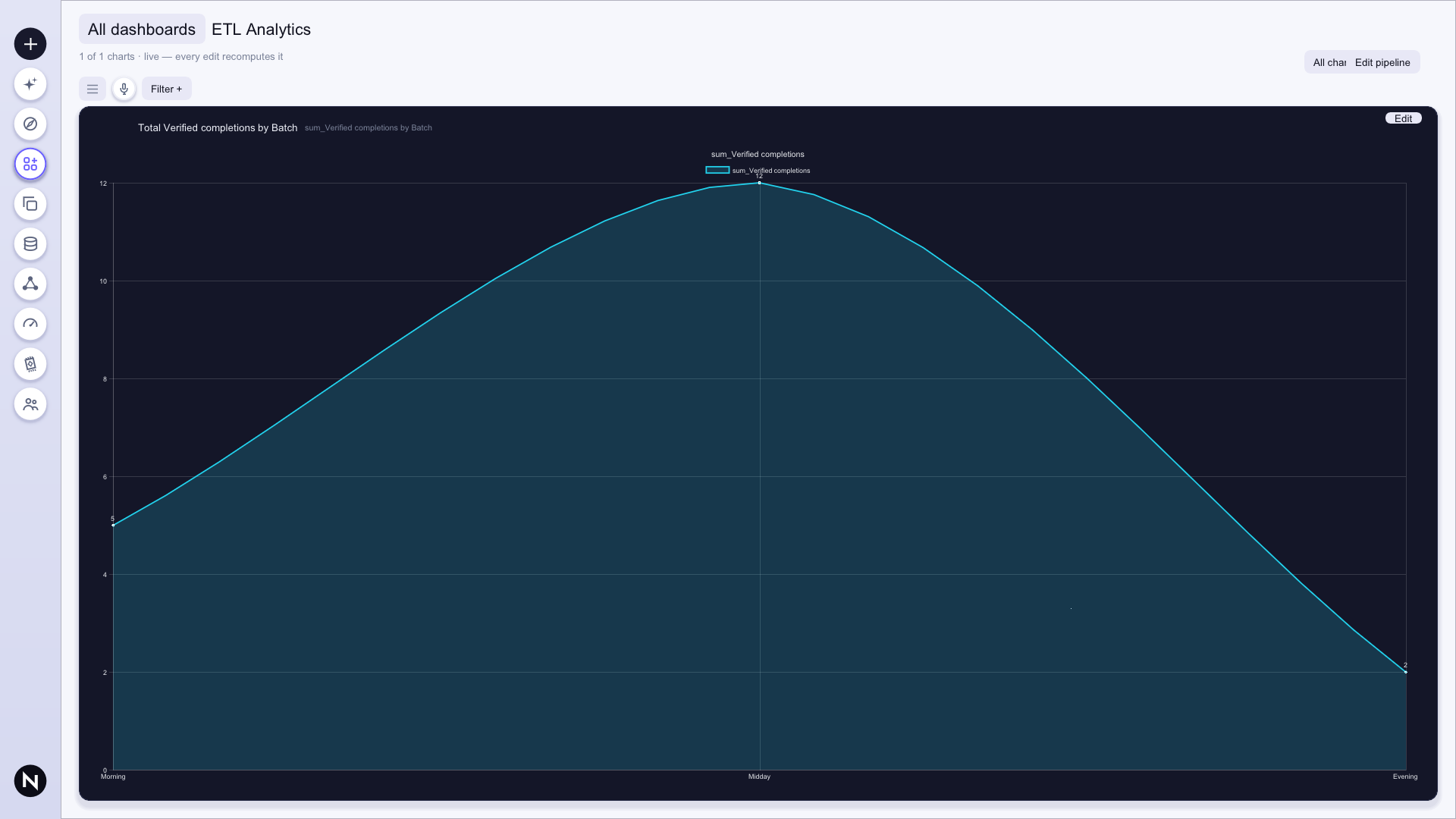
Neon Input reads all eight rows from the named output, including its generated IDs and timestamps. The separate input points to the stored output by ID. Column Renamer can now feed both KPIs and the chart.
Hear the preceding write request. In the completed replay the two KPIs returned 19 completions and 4.5 seconds per run.