Save a CSV workflow to PostgreSQL by voice
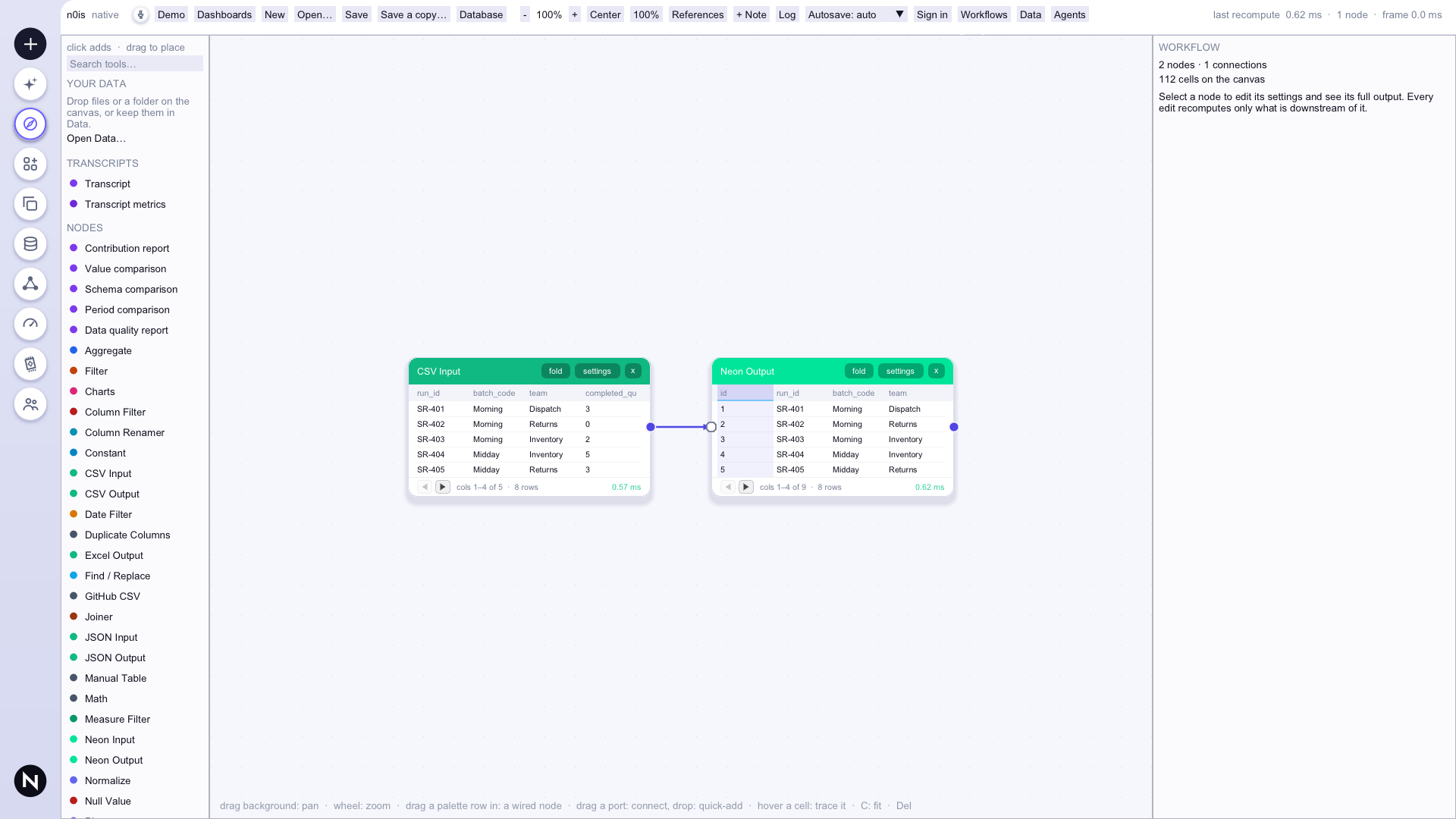
Connect the intended database in the editor first. For this replay we used a private local PostgreSQL instance with the application schema. Start with only the service-run CSV on the canvas.
What to say
Save this CSV workflow to the connected database under the name Service runs.
Recognized transcript: Save the CSV workflow to the connected database under the name Service Runs.
What happens on the canvas
Saving the workflow persists its document and input rows in the application database. The original CSV stays on disk. Service runs is the saved workflow name.
What actually reached PostgreSQL?
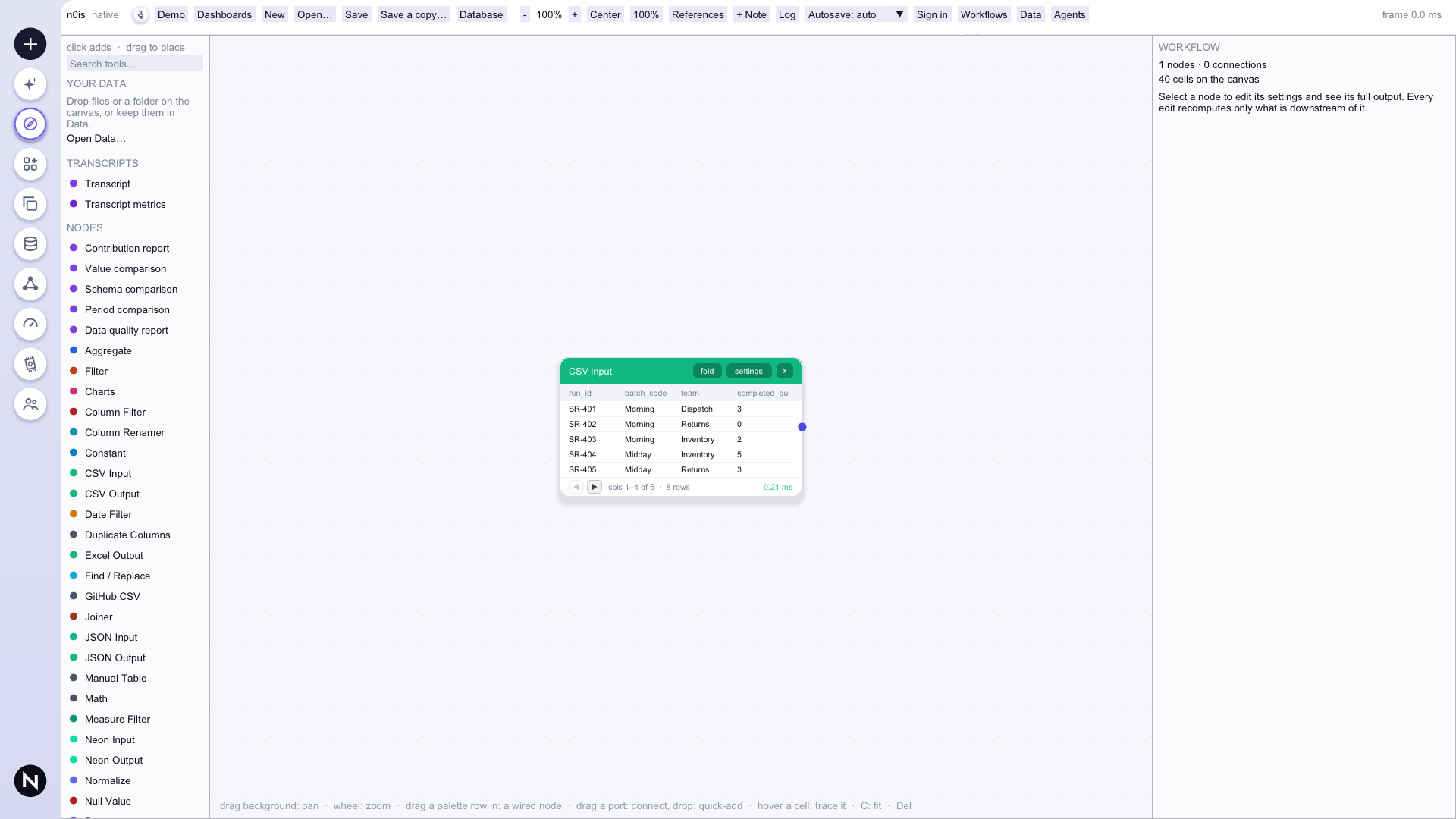
CSV Input reads the file. Saving this workflow also stores its source rows in the connected app database. We queried the scratch PostgreSQL database independently and matched all eight rows and all five fields against the original CSV.
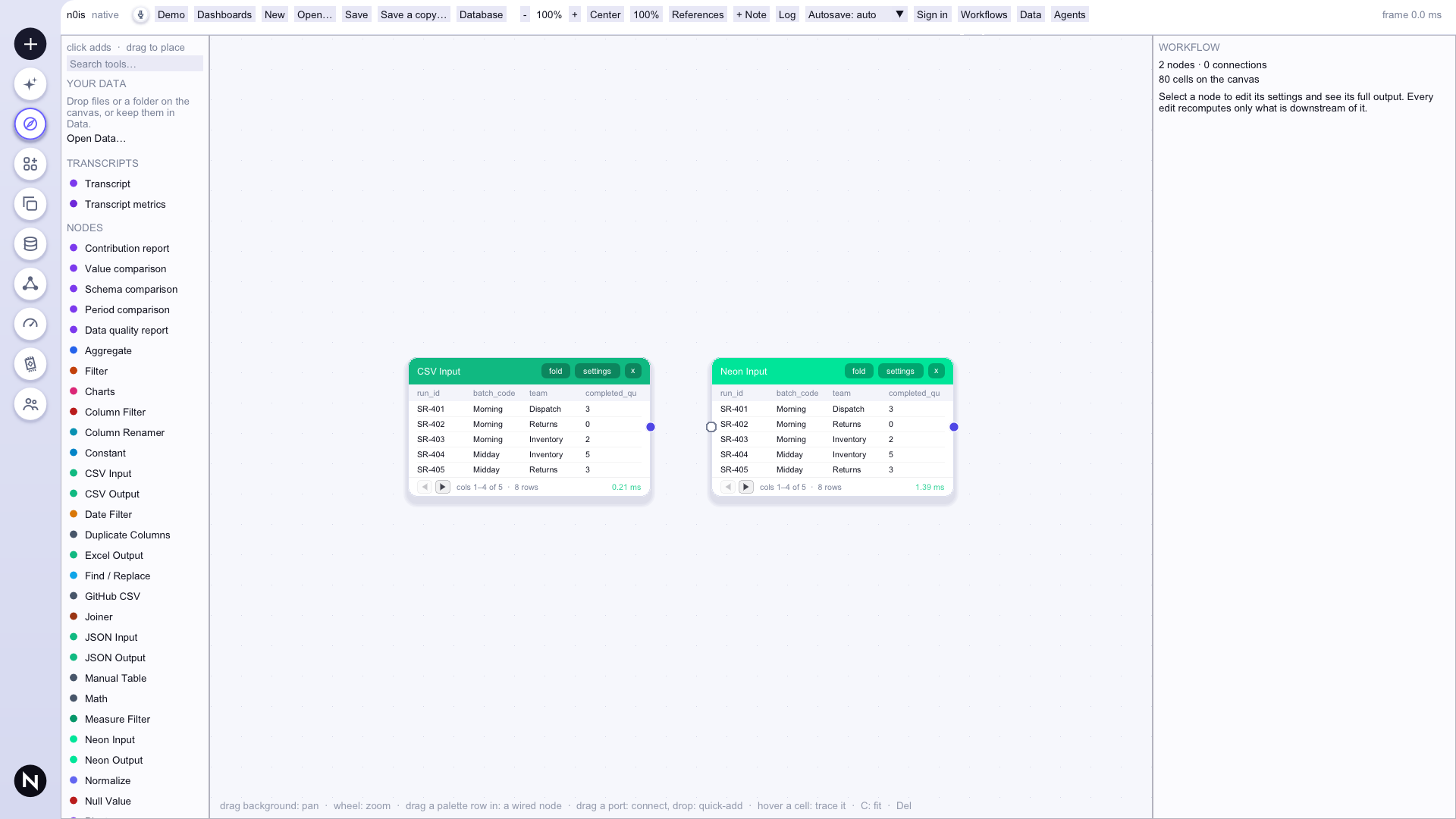
With the default desktop setup, a database-backed workflow saves to local SQLite. Choose a PostgreSQL app database to persist the rows there. For a named table on a managed development database, wire CSV Input to Neon Output, select the verified DEV destination and target table, and confirm Ship to DEV.
Write a separate named output