Which branches see four-visit visitors?
Why ask this?
An operations lead comparing visit milestones wants to count people who reached the stated number of visits during the sample period. One additional visit puts a person outside that exact-count group.
Start with the sample data
Open source.csv. In the first row of source.csv, Branch = East, Visitor = A.
What to say
Please show the top three branches by visitors with exactly four visits as a bar chart.
Processing time
- Recorded audio to chart ready
- 3.11 s
- Transcript to chart ready
- 0.42 ms
One local replay from recorded audio through transcription and native chart data preparation. Recording time and screen painting are excluded.
See the transcript in the composer

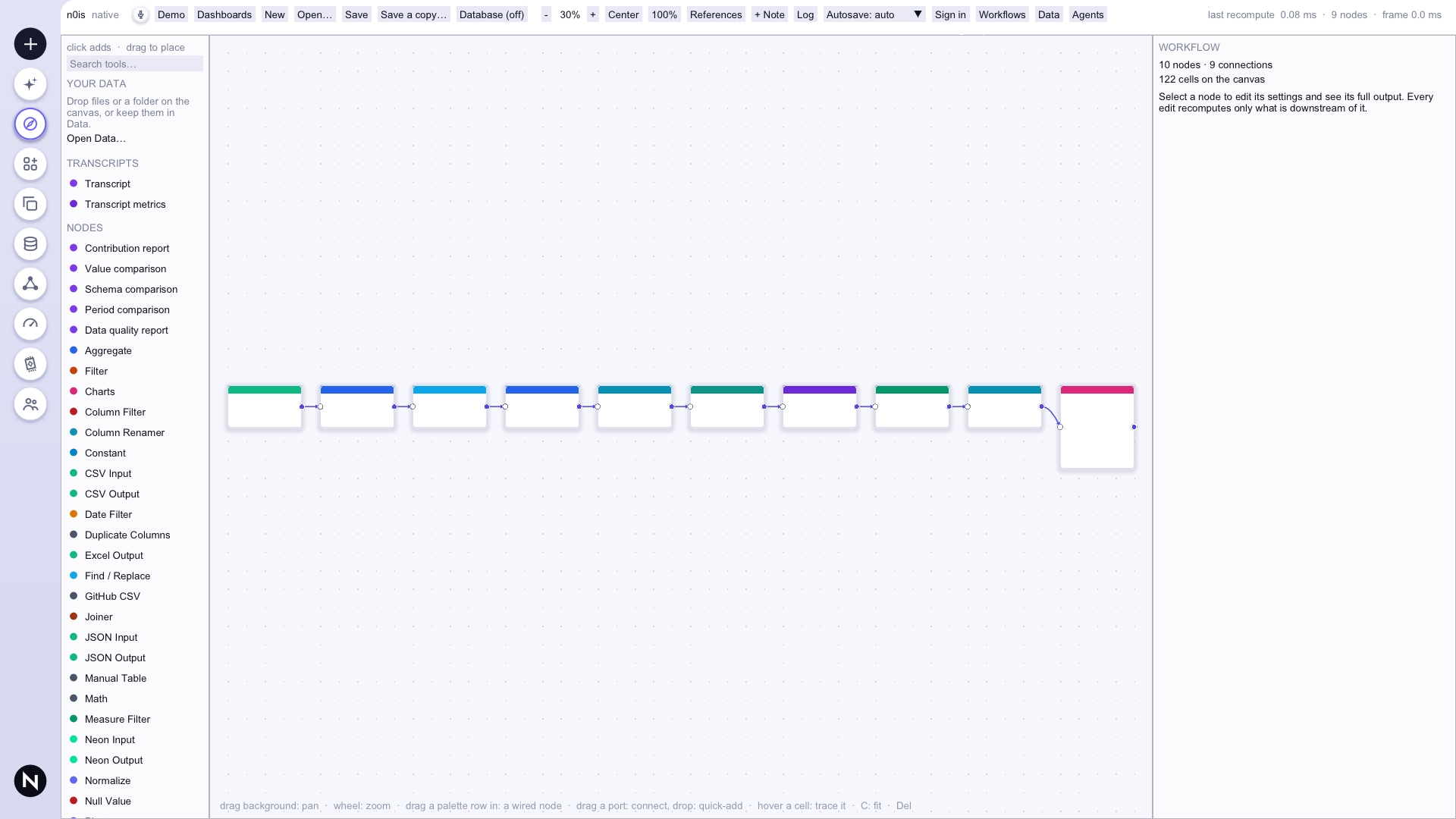
How the canvas produces the result
- CSV Input · Read the sample records
source.csv supplies 19 rows. These records are the inputs to the next step.
- Aggregate · Count populated values in Visitor for each Branch, Visitor
If a category appears more than once, its records contribute to one result. The first output row contains Branch = East, Visitor = A, nonblank_Visitor = 2.
- Find / Replace · Clear values matching the saved expression
Find & Replace applies ^(?!(?:4)$)[0-9]+$ to nonblank_Visitor. For example, Branch = East, Visitor = A, nonblank_Visitor = 2 has its nonblank_Visitor value cleared.
- Aggregate · Count populated values in nonblank_Visitor for each Branch
If a category appears more than once, its records contribute to one result. The first output row contains Branch = East, nonblank_nonblank_Visitor = 1.
- Column Renamer · Prepare the output columns
nonblank_nonblank_Visitor becomes Visitors with exactly 4 visits. The result exposes Branch, Visitors with exactly 4 visits.
- Sort · Order the results
Sort by Visitors with exactly 4 visits (descending), then Branch (ascending). The first rows in order are East → North → West.
- Rank · Assign a rank
The ordered rows receive positions starting at 1. Here, East is #1, North is #2, West is #3.
- Measure Filter · Keep the requested rows
The filter uses rank <= 3 in keep mode. 3 rows remain including East.
- Column Renamer · Prepare the output columns
Remove rank. The result exposes Branch, Visitors with exactly 4 visits.
- Charts · Draw the bar chart
Use Branch for the categories and Visitors with exactly 4 visits for the plotted values.
The chart
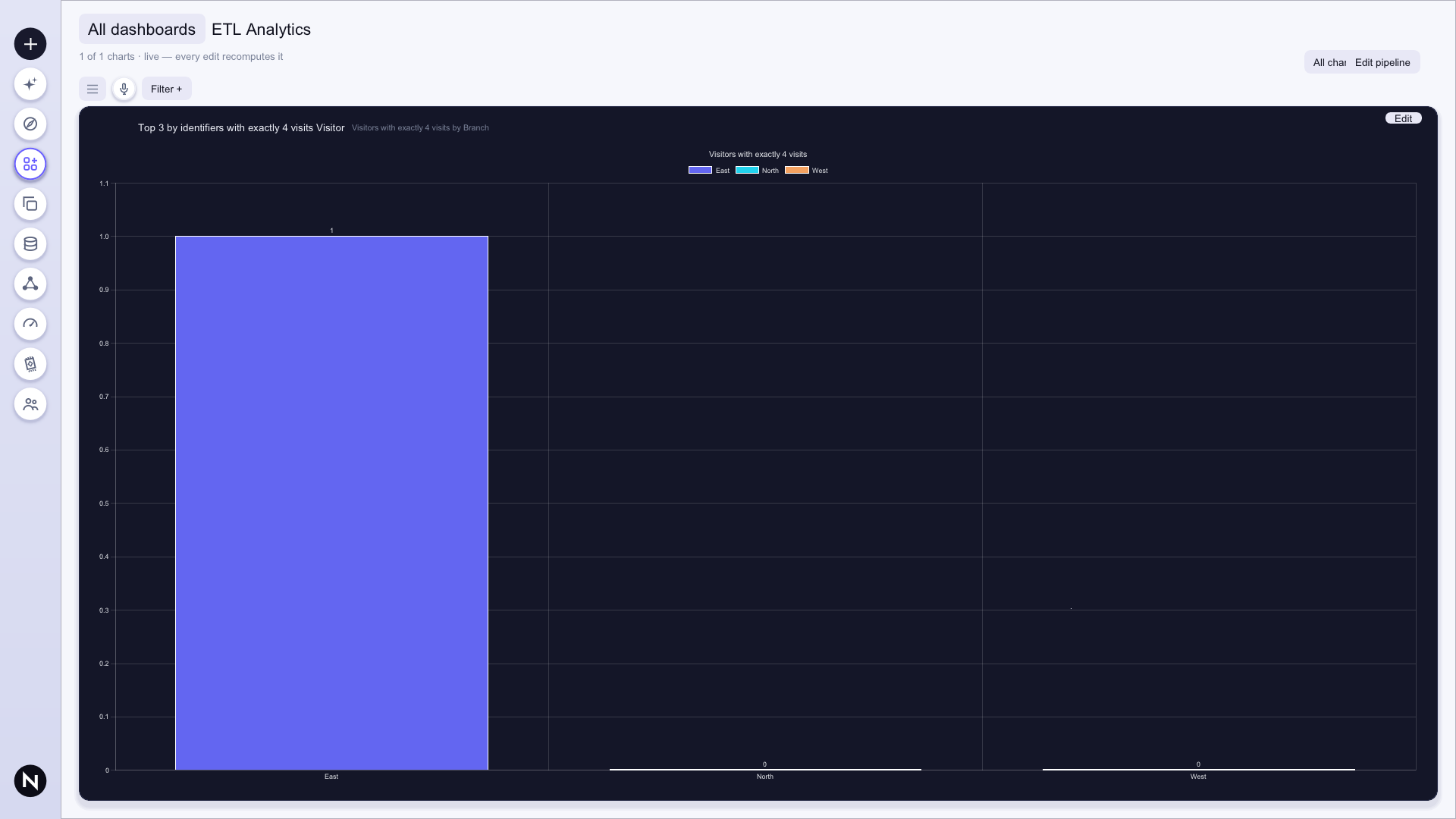
| Branch | Visitors with exactly 4 visits |
|---|---|
| East | 1 |
| North | 0 |
| West | 0 |
How to use the result
For Branch East, the sample reports Visitors with exactly 4 visits of 1.
Synthetic test audio. Screenshots from the recorded workflow in n0is.